


The Complete Guide to Using a MOV to MP4 Converter
Introduction
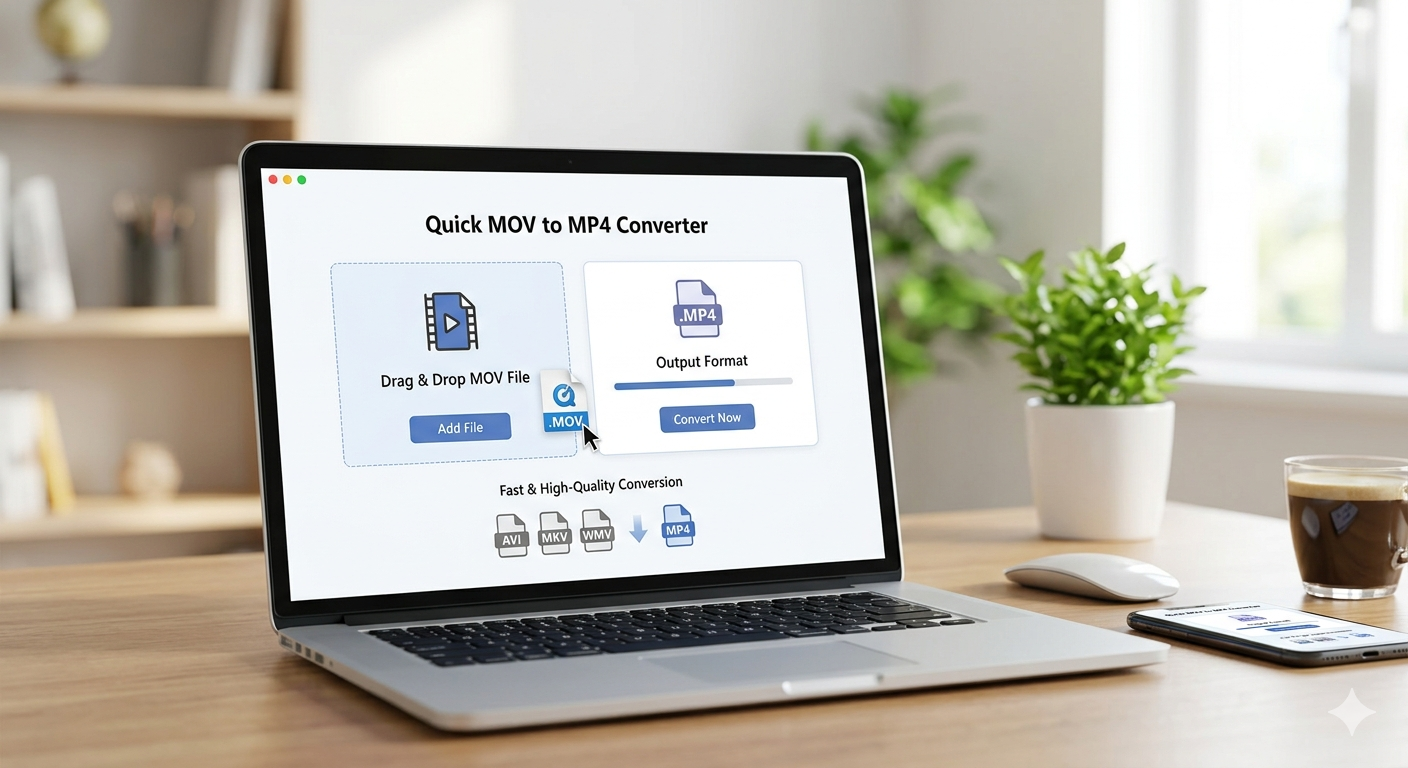
If you have ever recorded a video on an iPhone or Mac and struggled to play it on a Windows PC or share it online, you already know why a reliable MOV to MP4 converter is essential. MOV files are excellent for Apple devices but notoriously tricky outside that ecosystem, making conversion a practical necessity for millions of users. This guide covers everything you need to know from understanding the formats to safely converting your files online.
Understanding the Formats
What is a MOV file and why would you convert it to MP4?
MOV is Apple's proprietary container format, developed for QuickTime, and while it produces high-quality video, it is not universally supported across browsers, Android devices, and non-Apple software. MP4, on the other hand, is an internationally standardized format recognized by virtually every device, platform, and streaming service on the planet. Converting with a MOV to MP4 converter gives your video the widest possible compatibility without re-recording anything.
Is MOV or MP4 better for video quality?
Both formats can carry the same video codecs including H.264 and H.265 so neither format is inherently superior in quality. The difference lies in compatibility and file handling rather than any degradation in picture or audio clarity. When you convert properly, the visual output of your MP4 will be identical to the original MOV source.
Does converting MOV to MP4 reduce file size?
A straightforward format conversion without re-encoding usually produces an MP4 of nearly the same size as the original MOV file. However, if you choose to compress or lower the bitrate during conversion, the resulting file can be significantly smaller. Many online converters offer settings that let you balance file size and quality to match your specific needs.
Using a Converter Online and Choosing the Right Tool
What is the best free MOV to MP4 converter online?
There are several solid options available, but browser-based tools like the one found at multiconverters.net stand out because they require no software installation and work on any operating system. The best converters process your file quickly, maintain original quality, and delete your uploaded data after conversion for privacy. Choosing a reputable platform ensures you avoid cluttered tools loaded with misleading ads or hidden fees.
How do I convert MOV to MP4 without losing quality?
The key is selecting a converter that performs a direct container swap rather than a full re-encode, which preserves the original codec and bitrate. If re-encoding is necessary, ensure the output settings match the source same resolution, same frame rate, and a high bitrate such as the original. mov to mp4 converter Using a trusted MOV to MP4 converter with lossless or high-quality presets will keep your footage looking exactly as it did before.
Is it safe to use an online MOV to MP4 converter?
Safety depends entirely on the platform you choose reputable tools use encrypted file transfers (HTTPS) and clearly state that uploaded videos are automatically deleted after processing. Avoid any service that requires account creation just to convert a basic video or that lacks a visible privacy policy. Established converter sites process millions of files securely and are a perfectly reliable choice for personal and professional video files alike.
Converting on Mobile and Managing Time
Can I convert MOV to MP4 on iPhone or Android?
iPhone users can use browser-based converters directly in Safari without downloading any third-party app, making the process seamless and storage-friendly. Android users have even more flexibility since most video player apps on Android already support MP4 natively, and online converters work just as well through Chrome on mobile. Whether you are on iOS or Android, a good MOV to MP4 converter accessible from your browser handles the job in just a few taps.
How long does it take to convert a MOV file to MP4?
Conversion time depends on the file size, your internet connection speed for uploads and downloads, and the server capacity of the tool you are using. A short clip of a few minutes typically converts in under 30 seconds on a fast connection, while a lengthy high-resolution video may take a few minutes. Most modern online converters are optimized for speed, so you rarely have to wait long regardless of the file size.
Conclusion
Whether you are a content creator, a student, or someone simply trying to share a video with friends across different devices, a dependable MOV to MP4 converter is one of the most useful tools you can have at your fingertips. By choosing a secure, high quality platform, you can convert your files quickly without sacrificing a single frame of quality. Head over to multiconverters.net to get started with a fast, free, and hassle-free conversion experience today.

 English
 Arabic
 French
 Spanish
 Portuguese
 Deutsch
 Dutch
Dutch
 Italiano
 Russian
 Romaian
 Portuguese (Brazil)
 Greek
Greek