


Smart Ways to Remove Unnecessary Messages
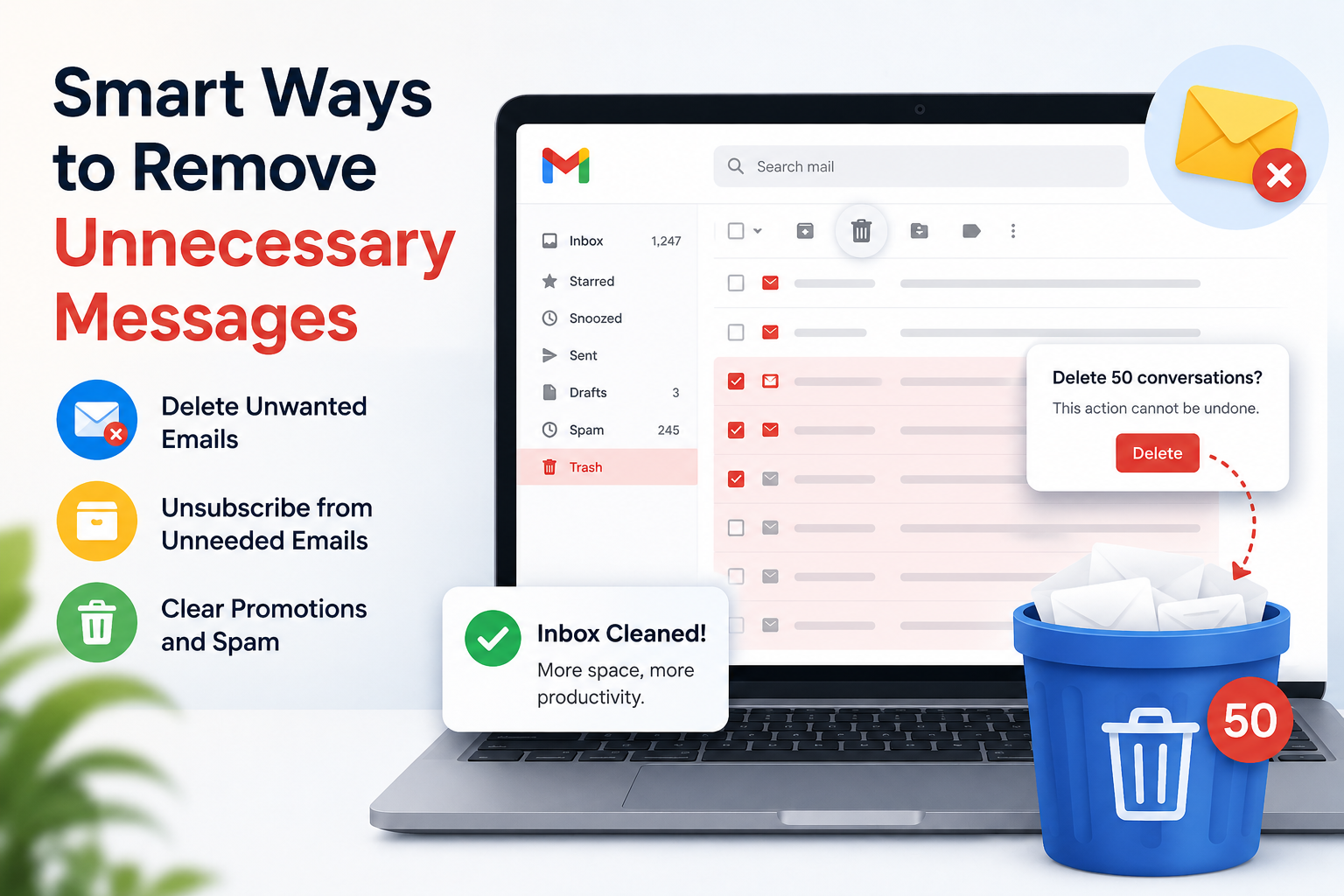
Managing emails can feel overwhelming when your inbox is packed with unread newsletters, old promotions, duplicate conversations, and unnecessary attachments. Over time, these messages take up storage space, slow down email searches, and make it harder to find important communication. Many users struggle with cluttered inboxes because they keep postponing cleanup tasks until the situation becomes difficult to manage.
A well-organized inbox improves productivity, reduces stress, and helps users focus on important emails instead of sorting through unwanted content. Platforms and tools like Extract Mails often highlight the importance of better email management because digital communication continues to grow every day. Learning practical ways to remove unnecessary messages can save time and improve overall workflow.
Why Email Clutter Becomes a Problem
Most inboxes become crowded gradually. People subscribe to websites, receive promotional campaigns, join mailing lists, and store emails without deleting old conversations. What starts as a manageable inbox can quickly turn into thousands of unread or irrelevant messages.
A cluttered inbox can create several issues:
- Important emails become difficult to locate
- Storage limits may be reached faster
- Email searches take longer
- Productivity decreases due to distractions
- Spam and outdated content pile up over time
When unnecessary messages are removed regularly, inbox management becomes much easier and more efficient.
Start by Identifying Unwanted Email Categories
Before deleting messages randomly, it helps to identify which types of emails no longer provide value. This allows users to clean inboxes systematically instead of removing emails one by one.
Common categories of unnecessary emails include:
- Promotional newsletters
- Shopping notifications
- Social media alerts
- Old subscription emails
- Expired offers
- Spam messages
- Duplicate conversations
- Automated updates from unused services
Separating these categories mentally makes the cleanup process faster and more organized.
Use Search Filters to Find Large Volumes of Emails
Searching manually through years of messages can take a lot of time. Email providers offer built-in filters that help users locate unwanted messages quickly.
For example, users can search by:
- Sender name
- Date range
- Attachment size
- Unread messages
- Promotional keywords
- Spam folders
These search tools help locate thousands of similar emails within seconds. Instead of deleting messages individually, users can remove entire groups at once.
This approach is especially useful for people searching for ways related to How to Clean Up Gmail Storage because storage-heavy emails often include old attachments and promotional campaigns that no longer matter.
Remove Emails with Large Attachments
Attachments are one of the biggest reasons inbox storage fills up quickly. Photos, PDFs, videos, presentations, and documents consume large amounts of space even if they are never opened again.
A smart strategy is to sort emails by file size and remove unnecessary attachments first. Focus on:
- Old downloaded documents
- Duplicate image files
- Outdated work presentations
- Expired invoices
- Temporary project files
Users should still review important business or legal documents before deleting them permanently. In some cases, downloading essential files to local storage before deletion can help preserve valuable information while freeing inbox space.
Unsubscribe from Unwanted Mailing Lists
Many inboxes stay cluttered because users continue receiving emails from services they no longer use. Instead of repeatedly deleting those emails, unsubscribing is a more permanent solution.
Most legitimate newsletters include an unsubscribe option at the bottom of the email. Taking a few seconds to remove yourself from unnecessary mailing lists can significantly reduce incoming clutter over time.
It is also helpful to avoid subscribing to websites using primary email accounts unless the service is genuinely important.
Create Folders and Labels for Better Organization
Deleting unnecessary emails is only one part of inbox management. Organizing important messages properly also prevents future clutter.
Folders and labels help separate useful emails from low-priority content. Users can create categories such as:
- Work
- Personal
- Bills
- Travel
- Receipts
- Projects
- Finance
Once emails are categorized correctly, it becomes easier to identify which messages can be safely removed later.
Automatic filters can also move incoming emails into specific folders, reducing manual organization efforts.
Empty Spam and Trash Folders Regularly
Many users forget that deleted emails often remain in trash folders for several days before permanent removal. Similarly, spam folders can accumulate thousands of unnecessary emails over time.
Cleaning these folders regularly provides immediate storage improvements. Since most spam emails have little or no value, permanently deleting them is usually safe.
Users should still check spam folders occasionally to ensure important emails were not filtered incorrectly.
Archive Important Emails Instead of Keeping Everything in the Inbox
Some users avoid deleting emails because they worry about losing valuable information. In such situations, archiving becomes a useful solution.
Archived emails remain accessible without cluttering the main inbox. This allows users to maintain important records while keeping the inbox cleaner and easier to navigate.
Archiving is particularly useful for:
- Completed projects
- Older client conversations
- Travel confirmations
- Tax documents
- Past invoices
Instead of storing everything in the primary inbox, archived folders help maintain long-term organization.
Schedule Regular Inbox Maintenance
Inbox cleanup should not be treated as a one-time task. Without regular maintenance, clutter will return quickly.
A practical habit is setting aside a few minutes weekly for inbox management. Even short cleanup sessions can prevent thousands of unnecessary emails from accumulating.
Simple routines may include:
- Deleting unwanted promotions
- Emptying trash folders
- Reviewing subscriptions
- Organizing recent emails
- Removing outdated attachments
Consistency is more effective than waiting for inboxes to become overloaded.
Be Careful Before Mass Deletion
Although mass deletion saves time, users should avoid removing emails carelessly. Some messages may contain important account information, receipts, or personal records.
Before deleting large groups of emails, consider:
- Whether the sender is important
- If attachments may be needed later
- Whether the email contains account recovery information
- Legal or financial importance of the conversation
A careful review helps prevent accidental loss of useful data.
Use Multiple Email Accounts for Better Separation
One reason inboxes become crowded is that users mix personal, shopping, work, and subscription emails in a single account.
Using separate email accounts for different purposes can reduce clutter significantly. For example:
- Personal communication
- Work-related emails
- Online shopping
- Newsletter subscriptions
- Temporary sign-ups
This separation makes inbox management easier and reduces distractions.
Keep Your Inbox Focused on Important Communication
An organized inbox is not only about saving storage space. It also improves concentration and helps users respond to important messages more efficiently.
When inboxes contain fewer unnecessary emails, users spend less time searching and sorting. This leads to faster communication, better productivity, and a more manageable digital environment.
The key is developing long-term habits instead of relying on occasional cleanup sessions. Small actions like unsubscribing from unwanted lists, deleting unnecessary attachments, and organizing folders can create major improvements over time.
A cleaner inbox also reduces digital stress and allows users to focus on meaningful communication rather than endless clutter.
For users who want to maintain a more organized email experience in the future, following effective Inbox Cleanup Tips can help prevent unnecessary messages from building up again.

 English
 Arabic
 French
 Spanish
 Portuguese
 Turkish
 Dutch
Dutch
 Italiano
 Russian
 Romaian
 Portuguese (Brazil)
 Greek
Greek